Get your hours back. Get a food cost number you can trust.
Inventory software that doesn’t make you use inventory software. You count out loud and snap the invoices; it does the typing, the matching, and the math.
- First count done the same day you sign up
- No training required. New hires can use it on day one
- Your food cost is computed from your own counts and invoices, never estimated
- $49/month per location, including about 5 hours of voice counting or 180 invoice scans. Cancel anytime.


Items
Showing 11 of 142 positions
You’re already doing everyone else’s job.
Don’t add data-entry clerk to the list. Most weeks you skip the count because it takes too long, and you end up guessing at your costs.
It steals your time
You spend hours counting, then more hours typing it in. So you skip it and hope for the best.
Money quietly disappears
Portions creep. Prices go up. You only notice when it’s already cost you thousands.
It all falls on you
No one else knows how to do it properly. So it stays on your plate, every single week.
You get blindsided mid-service
You 86 something and only find out when a server tells you, in front of a table.
Traditional inventory software with a specialist teammate who already knows how to use it.
You bring the invoices and count the shelves; it does the typing and the math, and it asks instead of guessing.
Two steps. That’s the job.
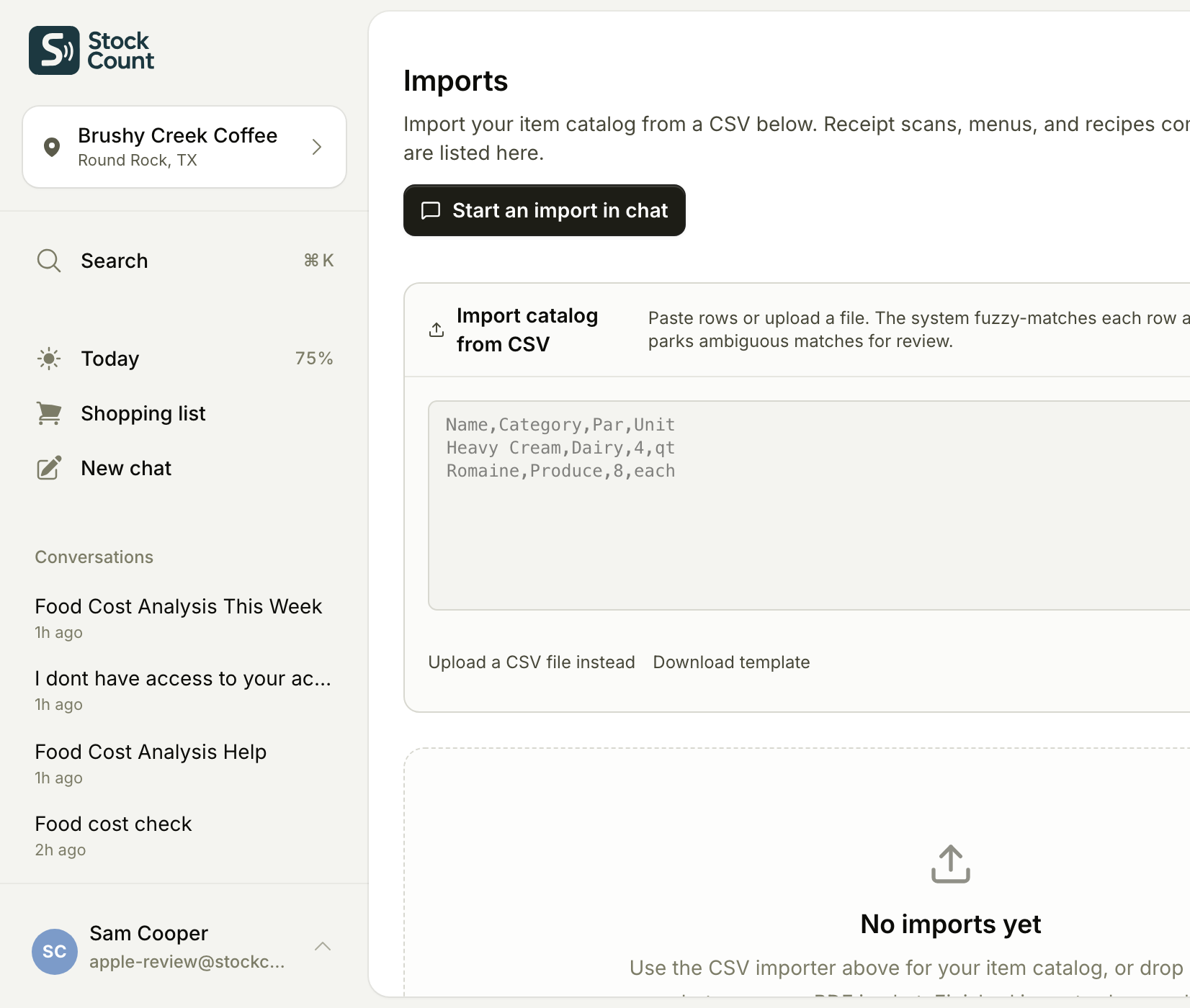
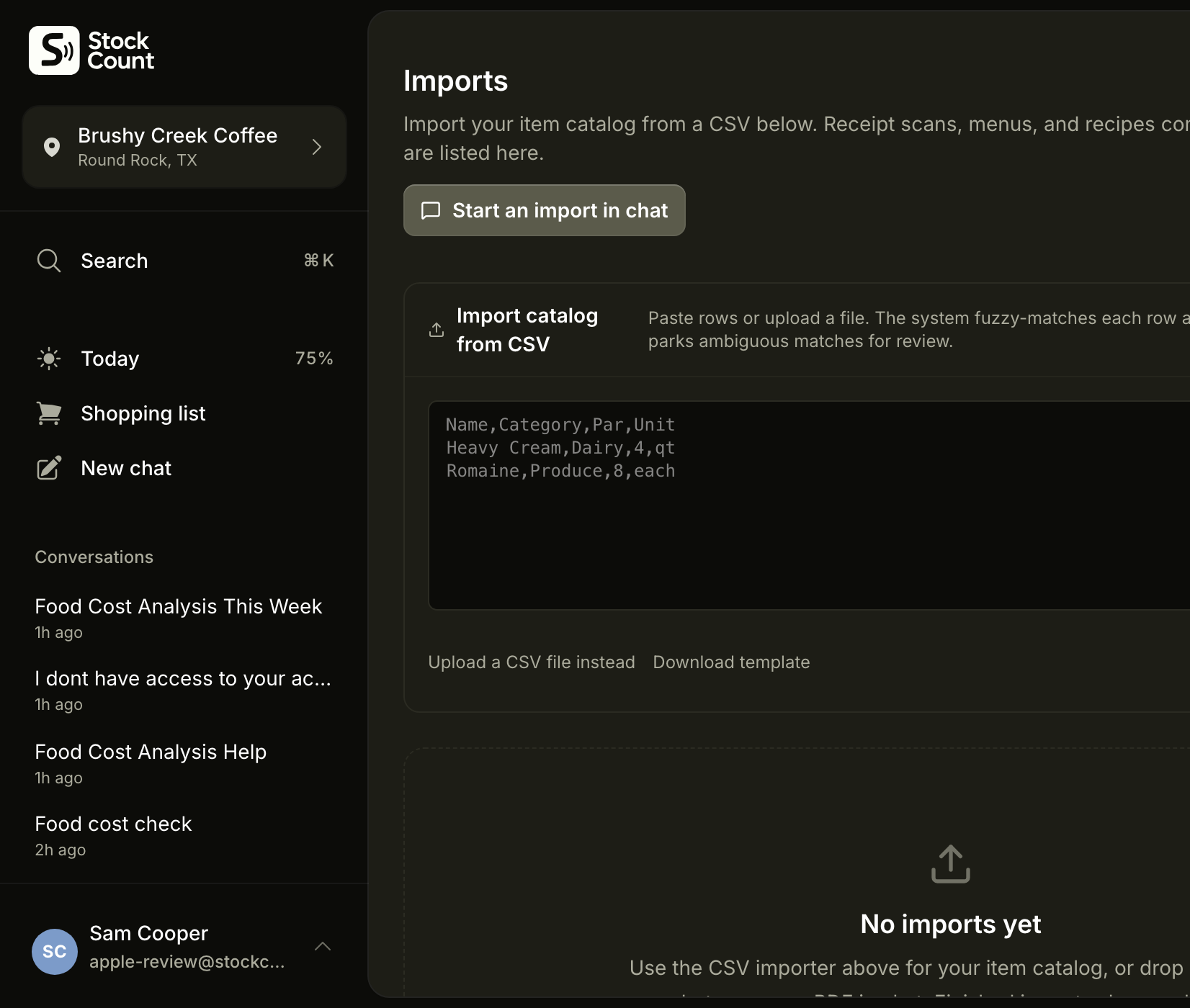
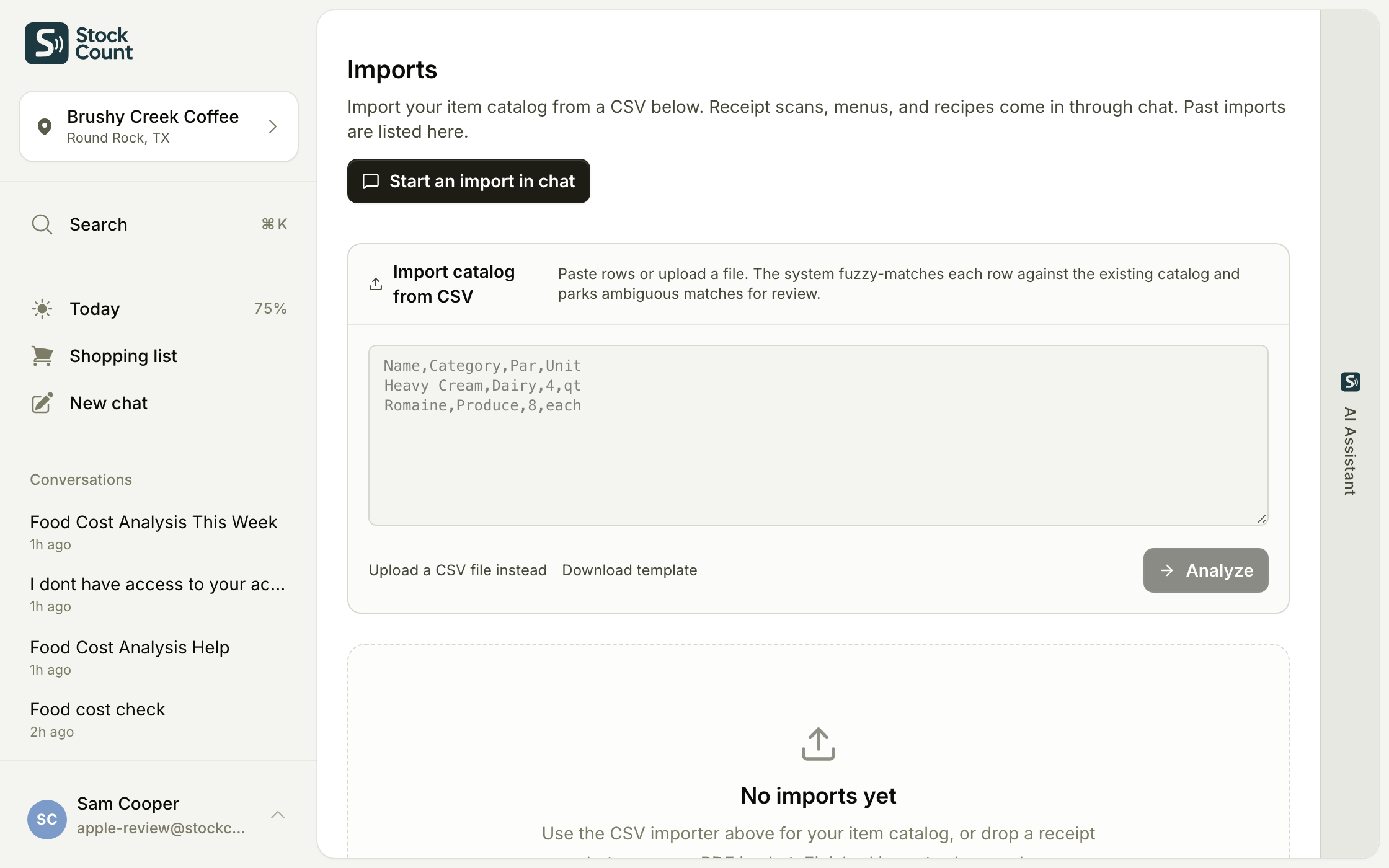
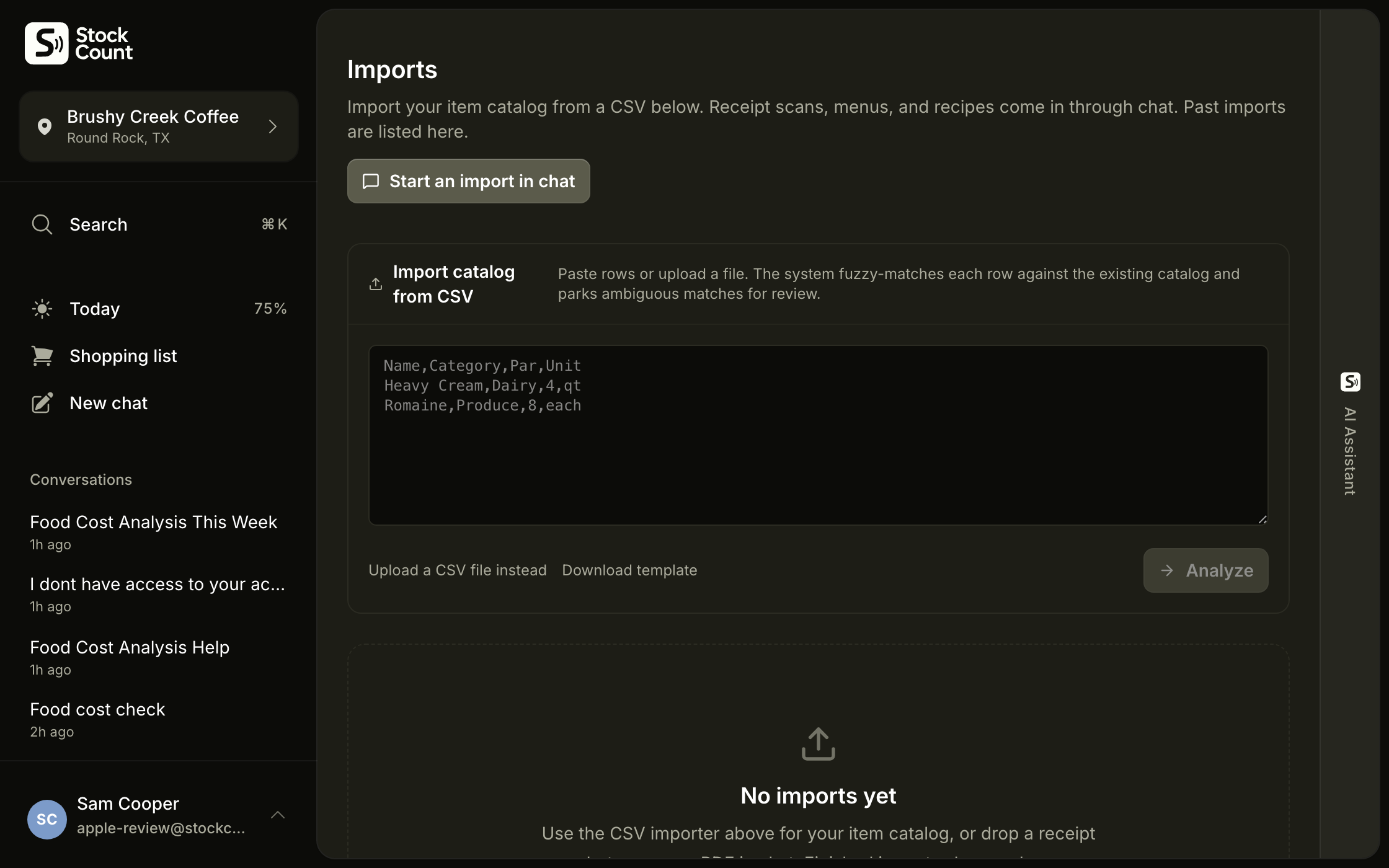
01Snap a photo of your invoices.
Stockcount reads them and does the data entry for you.
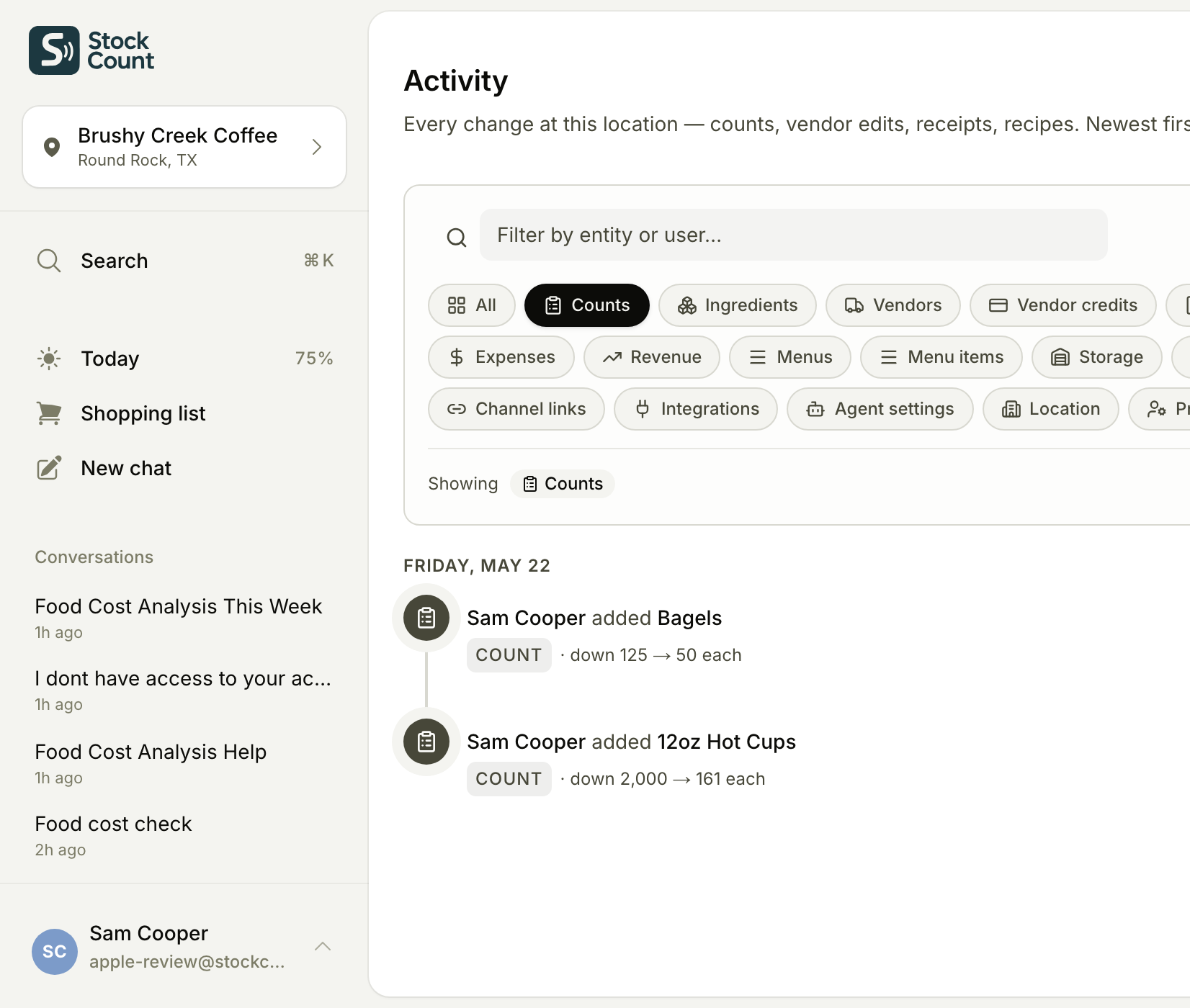
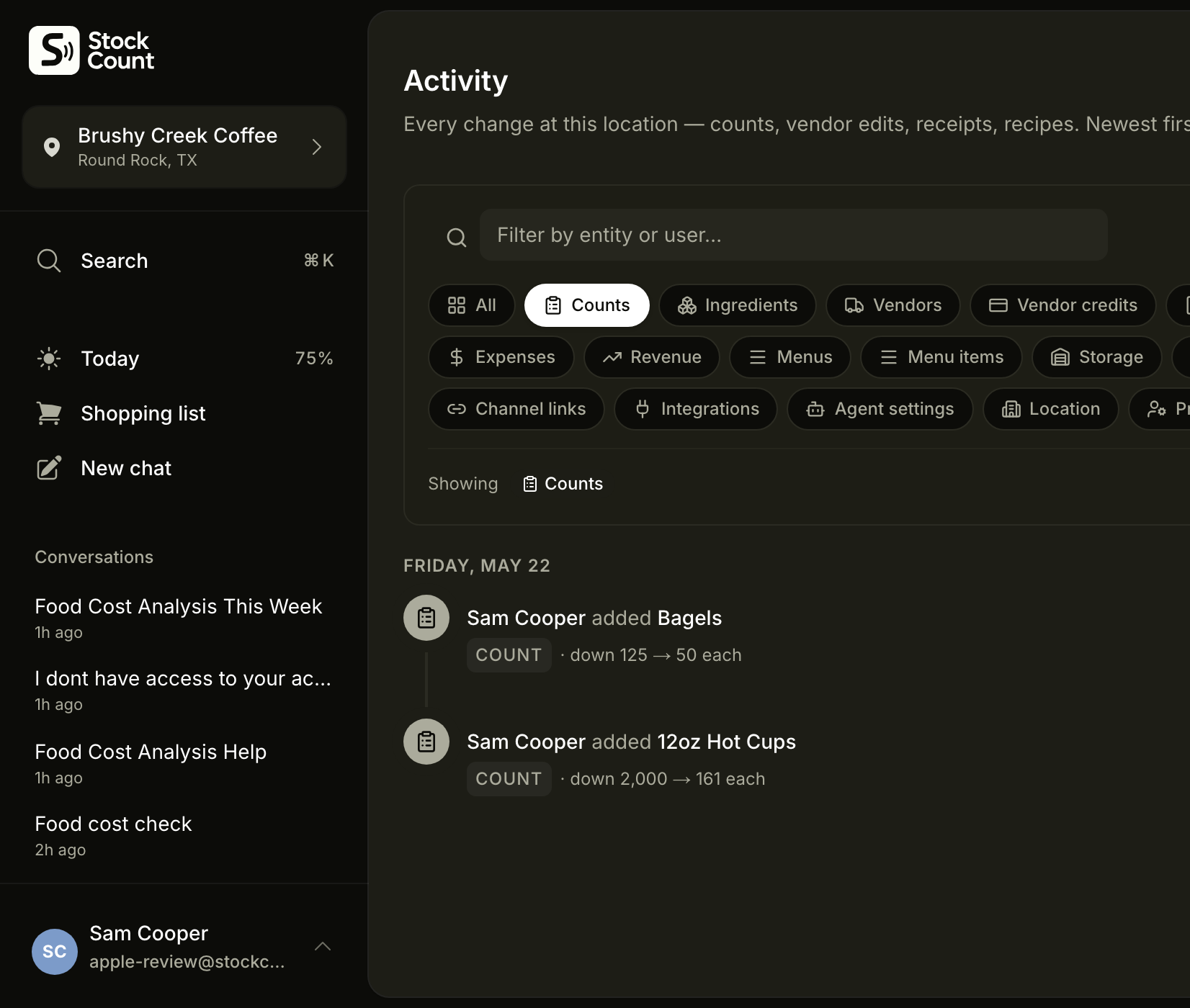
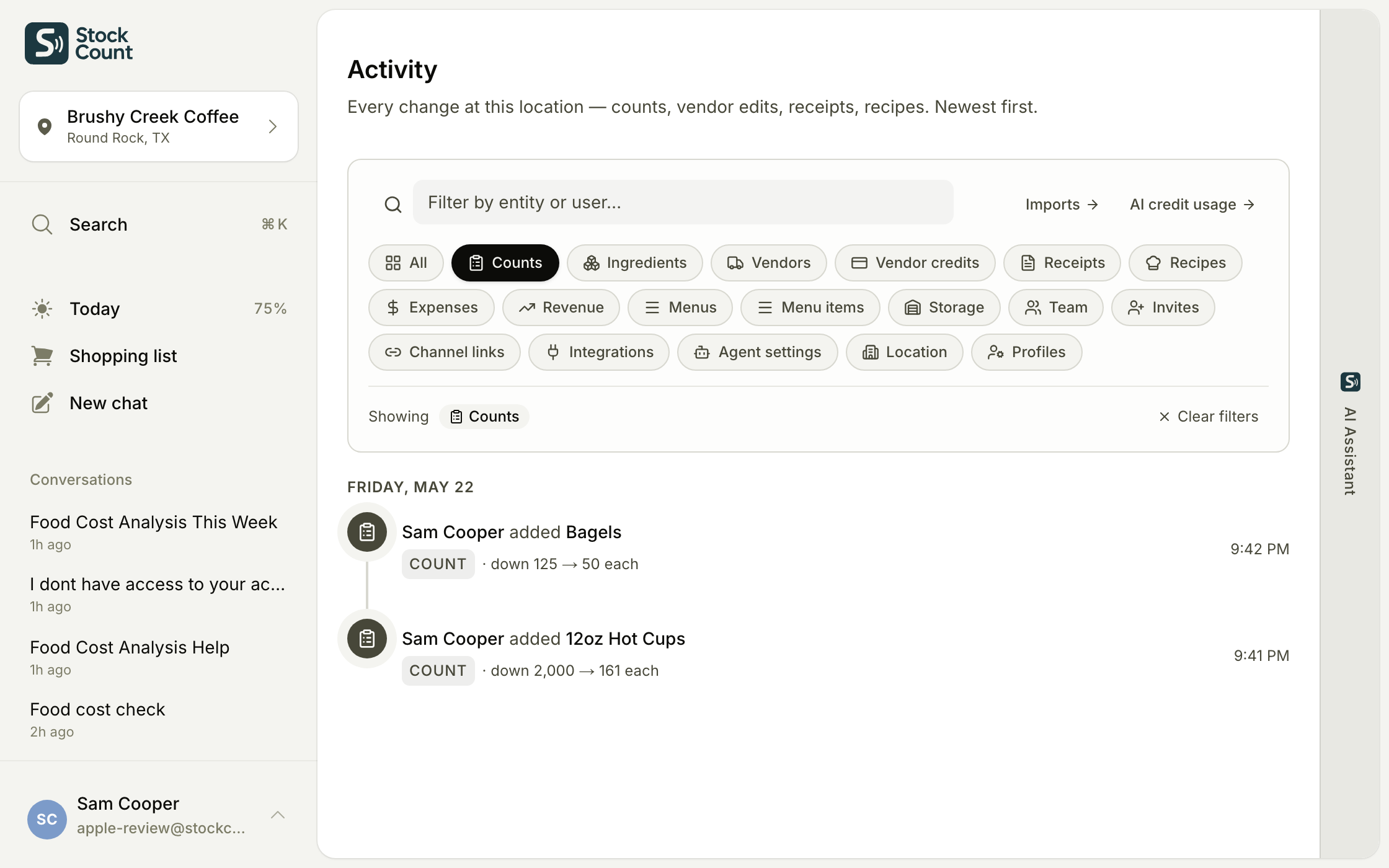
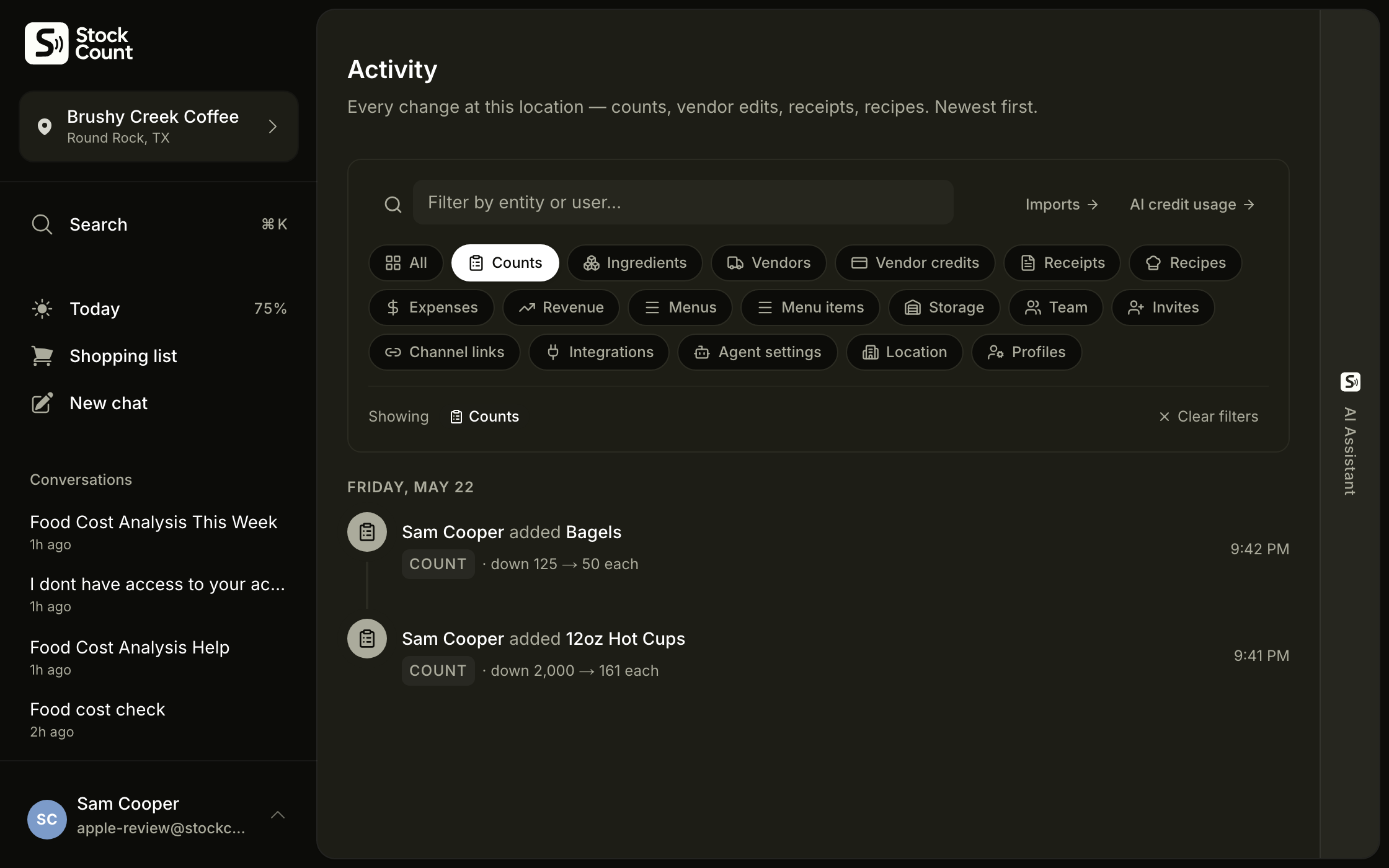
02Count your stock.
Or hand it to the new hire: download the app, do what it tells you. It makes sure they count the right things.
That’s it. You get numbers you can trust, without the usual hours at a desk.
Something looks off? It checks with you first.
Not sure what’s next? It tells you.
Early on it asks more. A month in, it knows your kitchen and stays out of your way.
It’s AI, so it can be wrong. You can override anything. Most of the time you won’t need to.
Read the full playbookLess work. Numbers you trust.
The same job as before, minus the hours, the training, and the guesswork.
Count in minutes, not hours
Phone in your pocket, count out loud down the walk-in, and you’re back on the floor in ten minutes. Nothing waiting to be typed up tonight.
This week’s number, on your phone
Open the app and your food cost is right there, fresh from your last count. You see it while you can still fix it, not a month later from the books.
Hand it to a new hire, day one
Give a first-day hire the phone and they can count. No sit-down training, no manual. The job stops living on your shoulders.
The shopping list builds itself
As you count, your order list fills in, sorted by vendor. You reorder before the line ever calls out that you’re 86 on something.
It watches the money so you don’t have to.
Every count and every invoice feeds a running watch on your costs. When something moves, you hear about it while it’s still cheap to fix.
Price jumps get caught at the door
If an invoice line comes in more than 15% above what you paid last time, it stops and asks you to confirm before the price is booked. Your margin never moves without you seeing it.
Variance gets flagged the same day
A count that lands more than 10% off your last one raises a card that day. Ask why in chat and it shows the math: what you used against what your recipes say you should have.
A briefing every morning
One short paragraph with your coffee: what happened yesterday, what changed, and the one thing worth doing today. The to-do list under it is computed from your own numbers, not written by a model.
Different tools for different kitchens.
The right inventory tool depends on who’s using it and what they can maintain. Here’s the honest map.
A specialist teammate that does the typing and the math. Built for independent restaurants where the owner runs the place.
From $49/mo per location. Best for $250K–$1.5M revenue.
Familiar and free. Entirely manual. No price tracking, no real-time cost, no audit trail. Falls apart the first week you skip.
Free. Best when you only count quarterly.
Fine for one-off questions. But a general chatbot happily estimates when it doesn’t know, and a sheet can’t measure your COGS. Stockcount only quotes numbers computed from your own counts and invoices, asks instead of guessing, and remembers your items, your vendors’ pack sizes, and your words for things.
Cheap. Best if estimates are good enough.
Craftable, MarketMan, MarginEdge, Restaurant365. Deeper procurement and accounting workflows than Stockcount, built for multi-unit groups with a dedicated manager or bookkeeper to run them.
$99–$469+/mo. Best for chains with back-office staff.
Why we built this
We know what it feels like to count the walk-in all morning, enter invoices all night, and still not trust the number.

I always wished I had a live cost of my menu, but getting that number was too much work. I spent about ten years in restaurants and cafes, and I had to do the inventory myself. Training someone on my method, my units of measure, my attention to detail, that was never realistic. So it was on me: two hours a week counting the place, then two more entering invoices and working out costs. It wasn’t worth it. We’d just decide not knowing our numbers was fine, because getting granular wasn’t worth the grind.
Free tools like spreadsheets took hours to set up, and they were tedious and fragile. Someone still has to be trained on them, and entering counts on your phone’s Google Sheets is miserable. The paid software is expensive and clunky. It turns your cooks into data-entry clerks, and restaurant people don’t want to deal with a computer. You pay around $400 a month and still spend a few hours a week feeding it and making sure the data reconciles.
So we made the process the product. You just talk to Stockcount in plain language. No new software to learn, no long forms. The AI knows what it needs to give you an accurate number, and it always tells you what to do next.
Your newest hire can use it on day one, untrained. That’s the test. Which means counting isn’t only the manager’s job anymore. You can hand it to the whole team.
For years, I figured I was better off growing sales than getting surgical about my costs. There was just too much friction. Take the friction away, and you don’t have to choose.
Pricing to fit your kitchen.
Pro
$49/mo
The entry plan. Covers a busy restaurant, café, or bar’s full month of counting, scanning, and chat, with credits to spare.
Voice counting
AI chat agent
Invoice scanning
Recipes & plate costs
Shopping lists
Variance + food-cost analytics
Team members (Managers + Counters)
Multi-location dashboard & reporting
2,450 AI credits / month
Email support
Business
$149/mo
For high-volume, multi-location groups. Covers a busy restaurant or small 2–3 location group running heavy day to day.
Everything in Pro
7,450 AI credits / month
Priority support
Extra usage billed at cost
Questions & Answers
Ready to know your real food cost every week?
Count by voice, scan invoices on the loading dock, and see a number you trust. Without the weekly hour at a computer.